Need QuickBooks Online Integration? Here Are 6 DSD Platforms to Consider
5 min read
For many distributors, changing accounting software isn’t even part of the conversation. QuickBooks Online already manages invoices, customers, payments, and financial reporting. The real challenge is making sure everything happening in the field reaches QuickBooks without duplicate data entry or hours of manual reconciliation.
That’s where DSD software makes the biggest difference. Some platforms synchronize orders automatically. Others push invoices, payments, and customer updates back to QuickBooks while drivers are still on their routes. The better those systems communicate, the less time office staff spend correcting records after deliveries are complete.
If QuickBooks Online sits at the center of your business, these six platforms deserve a closer look.
1. RouteStar Solutions
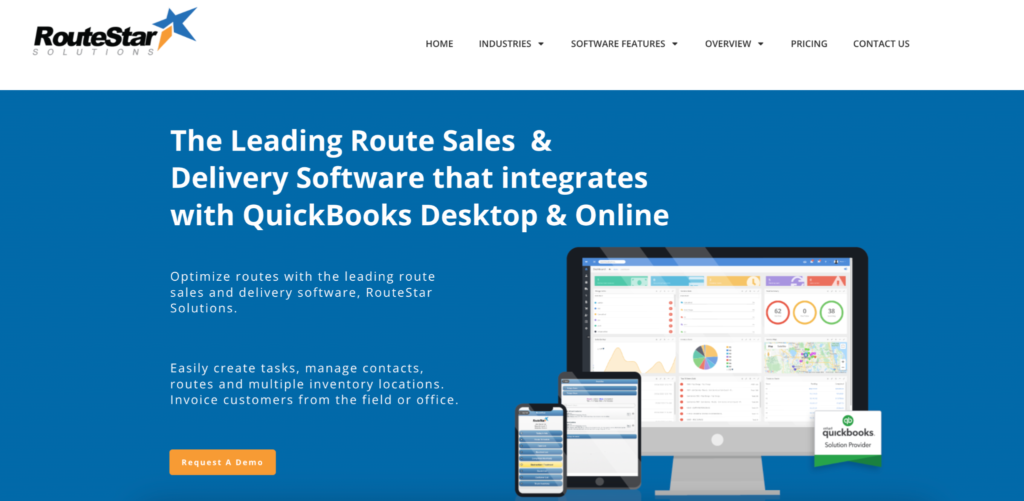
RouteStar Solutions has built much of its reputation around QuickBooks integration. The platform focuses on helping distributors improve route accounting, delivery management, truck inventory, and customer servicing while keeping accounting records synchronized. Businesses already comfortable with QuickBooks generally don’t need to redesign existing financial processes.
Instead, RouteStar extends those workflows into the field.
Core features include:
- Two-way QuickBooks synchronization
- Route accounting
- Mobile invoicing
- Truck inventory
- Route mapping
- Delivery scheduling
- Customer portal
Its specialization makes it attractive for businesses that prioritize dependable accounting integration over broader retail execution capabilities.
Worth considering when
QuickBooks is already central to your business, and stronger delivery management is the next priority.
2. SimplyDepo
SimplyDepo was built with QuickBooks Online users in mind. Instead of relying on spreadsheets or manual imports, the platform provides native two-way synchronization between field operations and accounting. Orders, invoices, payments, customer updates, and delivery information move automatically between the two systems, reducing duplicate work throughout the day.
That integration becomes even more valuable because it supports much more than accounting. Sales representatives can capture orders, plan routes, complete deliveries, collect payments, perform shelf audits, and update customer records without leaving the application.
Key capabilities include:
- Native QuickBooks Online synchronization
- Mobile order capture
- Route planning
- Van sales
- Mobile invoicing
- Proof of delivery
- Stripe payment collection
- Shelf audits
- B2B ordering portal
- Offline functionality
Rather than treating QuickBooks as a separate accounting tool, SimplyDepo keeps financial information connected with daily field operations from beginning to end.
Best fit for
Wholesale distributors and self-distributing CPG brands that rely on QuickBooks Online and want field operations synchronized automatically.
3. Orders in Seconds (OIS)
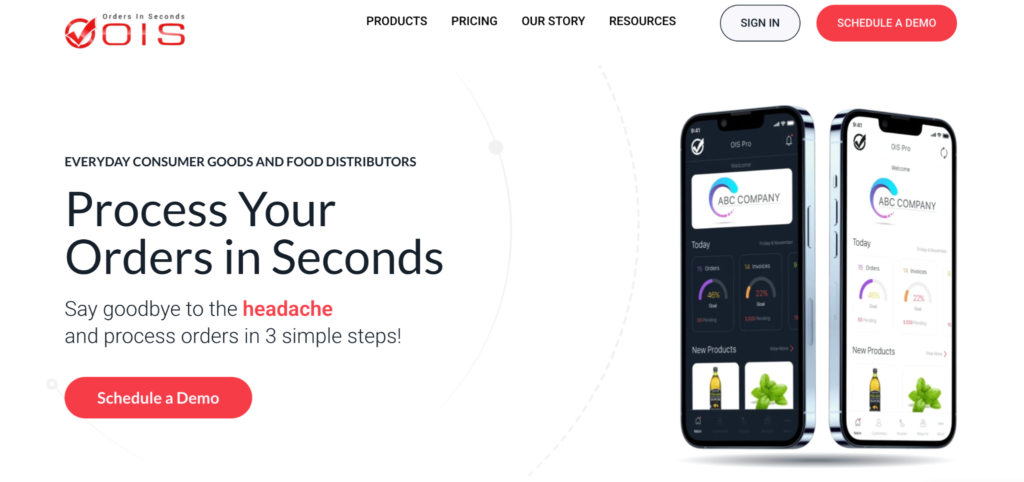
Orders in Seconds has worked closely with the QuickBooks ecosystem for many years. The platform supports both QuickBooks Online and QuickBooks Desktop, giving distributors flexibility depending on their accounting environment. Sales representatives can create customer orders in the field while information flows directly into accounting without repeated manual entry.
That straightforward approach continues to appeal to businesses looking for reliable mobile ordering rather than enterprise-level complexity.
Highlights include:
- QuickBooks Online integration
- QuickBooks Desktop integration
- Mobile order capture
- Customer management
- Route sales support
- Offline functionality
- Digital catalogs
The software focuses primarily on improving the connection between field sales and accounting, making it a practical choice for distributors with established delivery operations.
A solid option for
Businesses that want simple, dependable QuickBooks integration alongside mobile order entry.
4. Pepperi
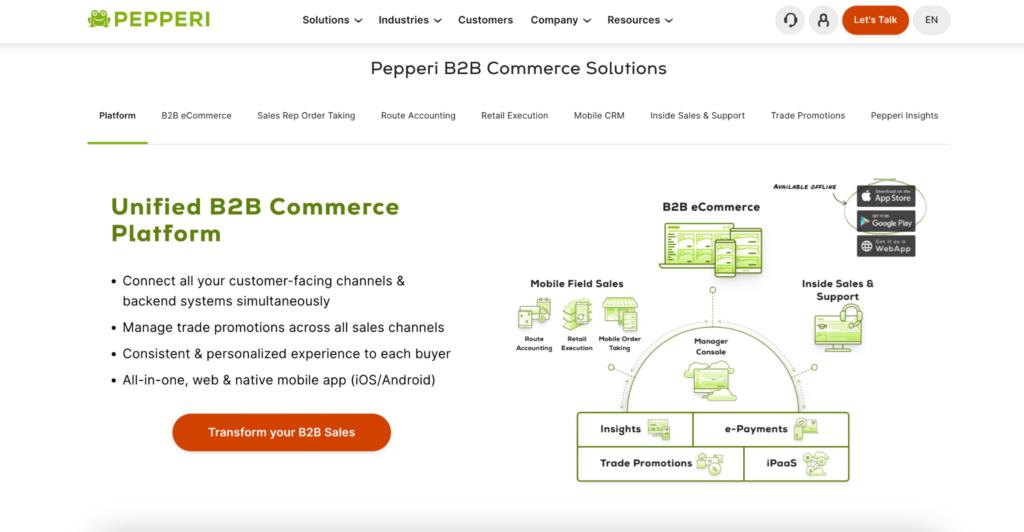
Pepperi supports QuickBooks Online as part of a much broader integration ecosystem. The platform is designed for distributors running more complex operations where accounting is only one piece of the overall technology stack.
Alongside QuickBooks, businesses can connect Pepperi with larger ERP systems while managing field sales, retail execution, B2B commerce, and customer-specific pricing from one platform. For organizations expecting to scale, that flexibility can be a significant advantage.
Key capabilities include:
- QuickBooks Online integration
- Mobile field sales
- Retail execution
- B2B commerce
- Customer pricing
- Workflow automation
- ERP integrations
- Enterprise reporting
Pepperi asks for a larger implementation effort than many SMB-focused solutions, but it offers room to grow as operational complexity increases.
Best suited to
Enterprise distributors that want QuickBooks integration alongside advanced sales and commerce functionality.
5. Orderwerks
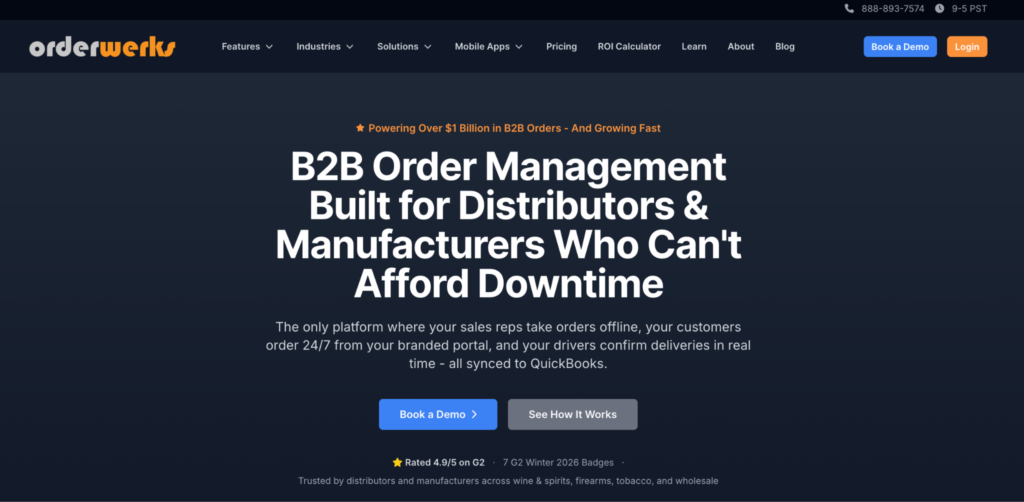
Orderwerks combines customer ordering with field operations while supporting QuickBooks as part of its accounting integrations.
Retailers can place orders through a branded B2B portal, while sales representatives continue managing customer accounts and route activities in the field. Financial information stays connected without requiring repeated manual entry between systems.
Its support for several regulated industries also makes it stand out from many competing platforms.
The platform includes:
- QuickBooks integration
- B2B ordering portal
- Mobile field sales
- Route management
- Customer pricing
- Offline functionality
- Multi-accounting support
QuickBooks integration is only one part of the platform, but businesses managing both customer ordering and distribution often appreciate having those workflows connected.
Worth considering when
Your business relies on retailer self-service ordering alongside field sales and distribution.
6. bMobile Route
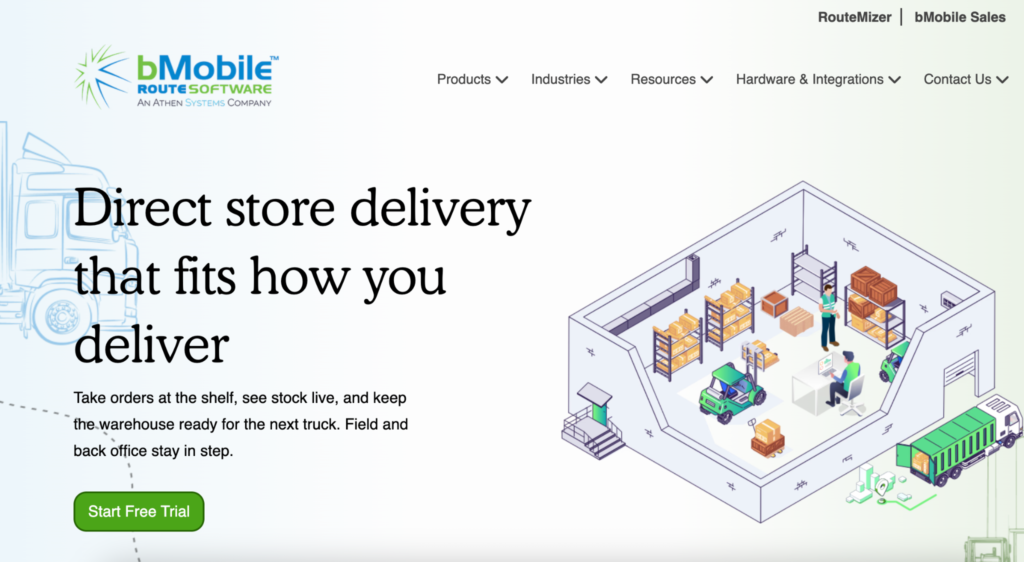
bMobile approaches QuickBooks integration through route accounting. The platform focuses on deliveries, truck inventory, invoicing, warehouse operations, and financial reconciliation while supporting connections with several accounting and ERP systems. Businesses in food and beverage distribution often value its operational depth more than an extensive feature list.
Rather than emphasizing customer portals or merchandising, bMobile stays focused on keeping deliveries and accounting aligned.
Core features include:
- QuickBooks integration
- Route accounting
- Truck inventory
- Mobile invoicing
- Delivery management
- Warehouse integration
- Operational reporting
For distributors where accounting accuracy depends heavily on delivery operations, that specialization continues to make bMobile a strong option.
A practical fit for
Food and beverage distributors looking to connect route accounting with QuickBooks.
Common QuickBooks Sync Problems (and How Modern Platforms Solve Them)
The most common synchronization issue isn’t a technical failure. It’s duplicate work.
Orders are entered in one system, invoices created in another, payments recorded somewhere else, and customer records updated only after drivers return to the office. Even when everything eventually reaches QuickBooks, the process creates unnecessary delays and opportunities for mistakes.
Modern DSD software reduces those problems by synchronizing information automatically as work is completed. Instead of waiting until the end of the day, accounting records stay current throughout the delivery process.
Why Two-Way Sync Saves More Time Than CSV Imports
CSV imports still work, but they depend on people remembering to export files, upload them, check for errors, and repeat the process every day. Two-way synchronization removes those extra steps.
Customer updates made in the field appear in accounting automatically, while changes made in QuickBooks become available to sales representatives without manual exports.
That continuous flow of information reduces duplicate records, improves accuracy, and gives every department access to the same customer data. As businesses grow, those small time savings become increasingly noticeable.
FAQ
Why is QuickBooks Online integration important for DSD software?
It allows orders, invoices, payments, and customer records to move between field operations and accounting without repeated manual entry.
Do all DSD platforms support QuickBooks Online?
No. Some offer native integrations, while others rely on APIs, middleware, or third-party connectors.
What is two-way synchronization?
Two-way synchronization means updates made in either the DSD platform or QuickBooks are shared automatically with the other system.
Should I choose software based only on QuickBooks integration?
Integration is important, but it should be considered alongside route management, mobile invoicing, offline access, inventory control, and the overall workflow your business needs.
Better Integrations Create Better Operations
QuickBooks Online already handles the accounting side of your business. The goal of DSD software isn’t to replace it. It’s to make sure every order, invoice, payment, and customer update reaches QuickBooks without creating extra work for your team.
Choosing a platform with reliable synchronization can improve accuracy, reduce manual data entry, and keep field operations connected with accounting from the first customer visit to the final invoice.